
LIVE SESSION
THE VIRTUAL IQ CLASS ROOM
Master the exact IntelliQuilter workflow to load, map, clip, and stitch edge-to-edge designs cleanly inside the binding allowance of hexagons, octagons, tree skirts, and angled quilts—giving every edge unbreakable structural strength.
2 choices on how to join in!
Subscribers to IQ Summit or Gold member group:
Login to the website and look for this course in your 'My Courses' page and go to the first lesson to register for the live Zoom session. Once we have completed the live presentation the replay and extra content will be available in the course for you to watch at your leisure. Being with us LIVE however, will get your questions answered immediately.
Stop Cutting Through Your Quilting Stitches on Odd-Shaped Quilts.
Master the exact IntelliQuilter workflow to load, map, clip, and stitch edge-to-edge designs cleanly inside the binding allowance of hexagons, octagons, tree skirts, and angled quilts—giving every edge unbreakable structural strength.
The Problem: Why Odd-Shaped Quilts Cause Longarm Headaches
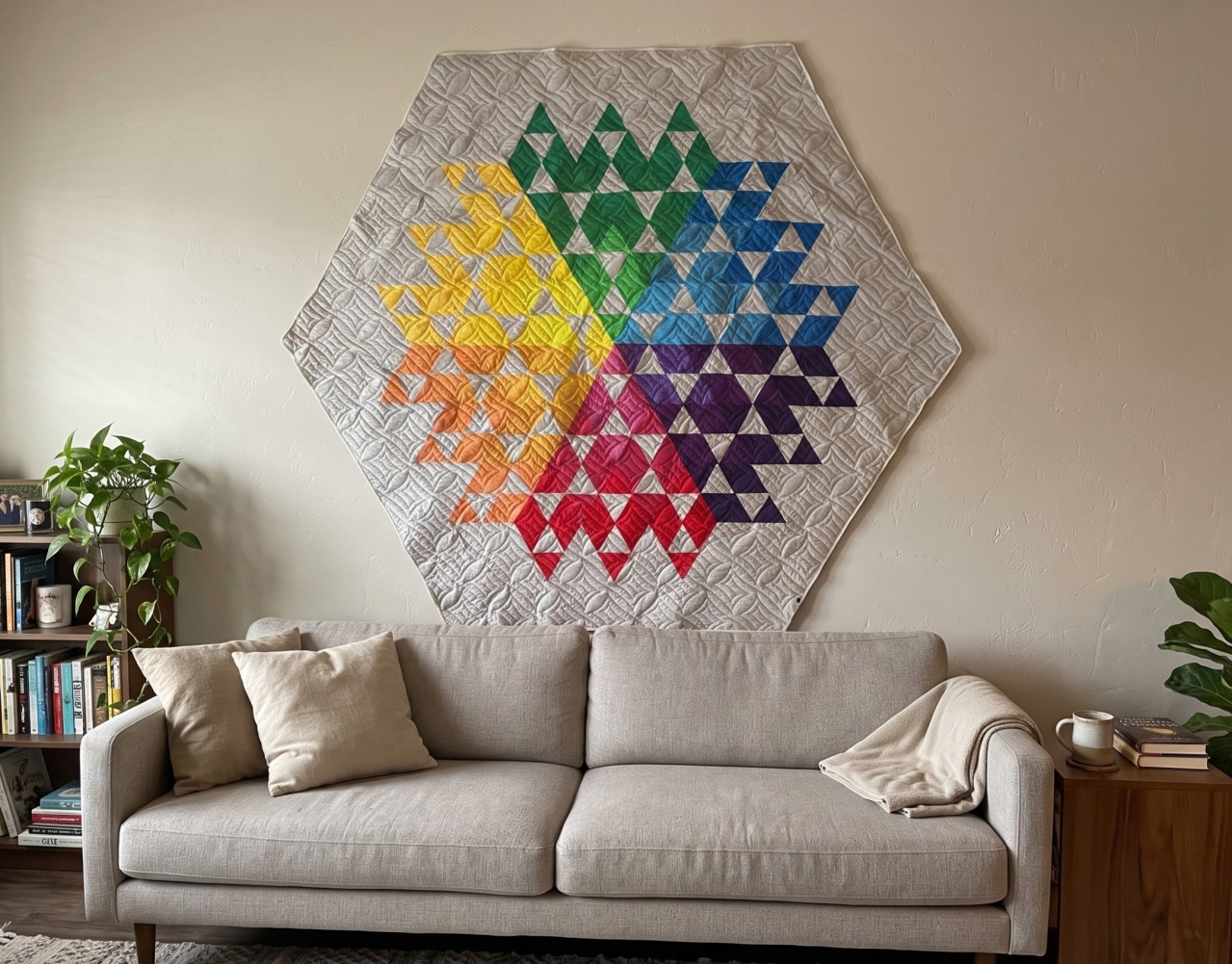
When you load a standard rectangular quilt, edge-to-edge (E2E) quilting is straightforward: quilt beyond the edges, trim the excess batting, and bind. But when you load a hexagon, star, or angled table runner, everything changes.
Those uneven edges create extra challenges: quilting can extend into open areas, the backing and batting may shift, and trimming becomes more complicated. Without proper planning, you can end up with distortion, uneven quilting, or wasted fabric.
The key is to prepare your quilt sandwich carefully, allow enough backing and batting around every point and angle, and choose an E2E design that complements the shape rather than competing with it
- Bias edges stretch and distort the moment you put tension on the frame.
- Running off the edge means slicing through your stitches during trimming—weakening the seam line, risking unraveling threads, and leaving messy clipped ends poking out of your binding.
- Guessing where to stop leads to awkward gaps, crooked borders, or hours of tedious manual tie-offs.
- 120-degree corners turn into bulky, puckered messes when you try to bind them like a standard 90-degree square.
You shouldn't have to avoid custom-shaped quilts or settle for weak, cut-through edges.
The Solution: Precision Boundary Control in IntelliQuilter
In this step-by-step video course, you’ll learn a repeatable, stress-free system for achieving flawless edge-to-edge quilting on non-rectangular quilts.
Rather than stitching beyond the quilt edge and cutting away your work afterward, you’ll discover how to use IntelliQuilter’s Boundary and Clipping Block tools to precisely control every design. Each stitch is cleanly terminated within the ¼" binding allowance, preserving the integrity of your quilting while ensuring secure, polished edges.
By the end of the course, you’ll be able to confidently quilt unusual shapes, angled borders, and custom quilt edges with professional results—no clipping, no wasted stitching, and no compromise in quality
What You Will Learn Inside the Course
Lesson 1: Loading Odd-Shaped Quilts Without Distortion
- How to manage bias edges on hexagons, diamonds, and angled borders before and during loading.
- Using your frame's horizontal and vertical grid to keep an irregular quilt top completely square.
- Floating and basting techniques that hold angled perimeters flat without pulling them out of shape.
Lesson 2: Design your pantograph to cover your quilt top in IntelliQuilter
- Plotting the boundary of your quilt top and offsetting your boundary inward so stitches hide safely beneath the binding.
- Selecting and scaling E2E pantographs that flow gracefully into sharp angles and narrow points without awkward, chopped-off motifs.
Lesson 3: Clipping Blocks & Clean Edge Stops
- How to set up master Clipping Blocks in IntelliQuilter so your machine automatically stops and locks stitches inside your chosen boundary.
- Eliminating micro-stitches, stray travel lines, and manual tie-off frustration.
- Managing multi-pass advances on larger odd-shaped quilts so every section aligns seamlessly.
Bonus Module: Trimming & 120-Degree Mitered Binding
- How to trim your backing and batting flush without severing a single quilting thread.
- Bias binding prep and the exact folding geometry required to sew crisp, flat 120-degree mitered corners every single time.
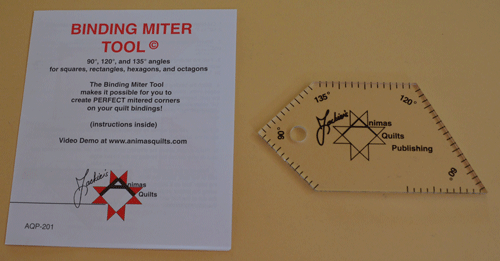
Use this tool to create precise mitered corners for quilts with unusual or geometric shapes. Its adjustable design accommodates four different angle settings, making it suitable for a wide range of borders and corner styles. Simply select the angle that best matches your quilt corner, position the tool along the fabric edge, and mark or trim accordingly. This helps ensure each corner aligns neatly and creates a clean, professional-looking mitered finish
Join the Interactive LIVE Experience!
While the recorded modules are a powerful resource, the Live Zoom Session is where the magic happens.
Why attend Live?
Watch the IntelliQuilter interface in real-time as I navigate the project. Ask your specific questions as they arise and get immediate troubleshooting advice. It’s the closest thing to having a mentor standing right at your machine!
(Note: Once you purchase, you will receive a separate email to register for the Live Session and receive your Zoom reminders.)
Course includes:
- Step-by-Step Videos:
Detailed video lessons walk you through each stage of the process. - Hands-On Learning:
Follow along as you design, plan, and edit your way to stunning accurate edges on your odd-shaped quilts - Live Q&A Session:
Get your burning questions answered by our expert instructor during the interactive live session. - Lifetime Access:
(if you purchase the course & not just the LIVE session)
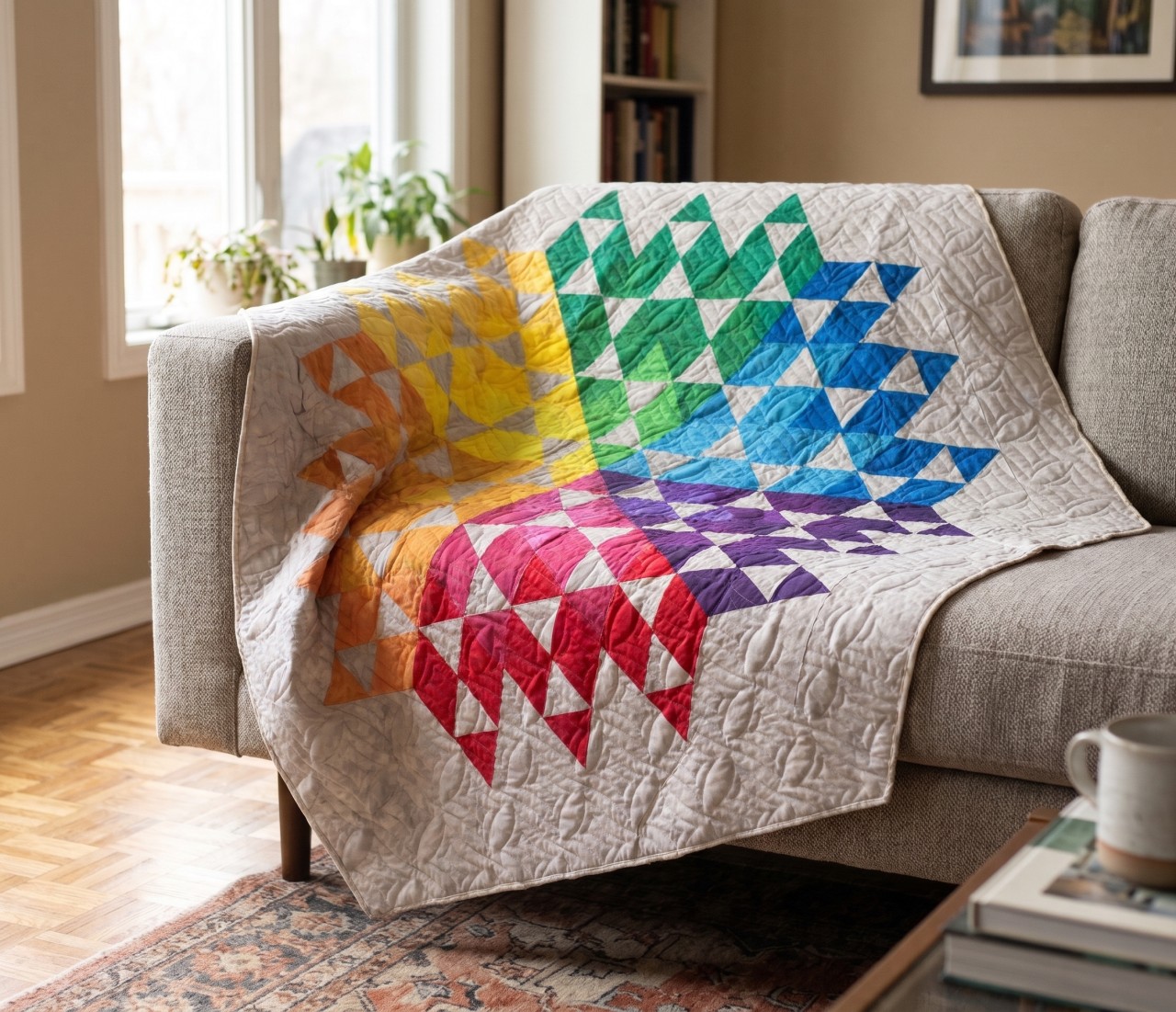
Revisit the lessons anytime, with lifetime access to the course materials with bonus pattern to download & make the quilt. - Exclusive Community Access:
(for IQ Summit and Gold member subscribers) Connect with fellow quilters, share your creations, and receive ongoing support
Ready to give your quilts the secure finish they deserve?
If you’re an edge-to-edge quilting expert using IntelliQuilter, it’s time to take your skills to the next level. Expand your services by confidently quilting odd-shaped quilts and ensure secure stitching along the edges for a polished, professional finish. Take your IntelliQuilter expertise further and offer your clients even more

What we Promise!
Expert Instruction
Presenters are all experts in their field with proven results from extensive experience
Fun and Engaging Sessions
Sessions will be made up of any or all of the following
-live webinars
-Powerpoint presentations
-video training and/or downloadable notes
Utmost satisfaction:
Every speaker at the Summit is giving her/his best! We will interview each speaker personally and ask the right questions so you get the answers you need to fully understand the featured technique.

Live Training
By Your Host Tracey Browning
For more than three decades, Tracey has been deeply involved in the world of quilting, gathering a wealth of experience that she's excited to share with you. She started as a quilt teacher, helping others learn the craft. As a quilt and pattern designer, her creations found their way into magazines and books, showcasing her artistic flair. Later, Tracey embraced longarm machine quilting, turning ordinary fabrics into intricate masterpieces. She became the Australian Dealer for A1 Quilting machines, bringing cutting-edge technology to quilting enthusiasts in Australia. Additionally, she dove into Intelliquilter computer systems, mastering the blend of technology and textiles.
One of Tracey's proudest achievements was creating the Australian Machine Quilting Festival, a special event dedicated to educating machine quilters. For a decade, this festival provided a unique platform for learning and community-building.
Above all, Tracey is known for her unwavering support and mentorship. Her customers have always appreciated her dedication to helping them learn and grow in their quilting journey. With Tracey by your side, you're not just learning a craft; you're embarking on an adventure with a seasoned expert who's eager to guide you every step of the way.
FREQUENTLY ASKED QUESTIONS
What Intelliquilter features must I have?
To complete this workflow, your iQ system must support the ability to createpantograph designs. Perfect for BasIQ-P systems!
I'm new to iQ. Can I take this course?
We recommend you are comfortable with basic iQ operations (loading digital patterns, and general machine movement) before enrolling. This course focuses on building your skills with planning and stitching pantograph designs.
Do I need special digital patterns?
No, we are focusing on using any existing edge to edge designs you already have. The course focuses on using iQ's powerful tools to adapt and manage your existing pattern library.
What if I get stuck or have questions?
Your enrollment includes lifetime access to the course and dedicated Q&A support within the course platform. You can post your questions directly to the instructor and the community.